The document opens from one hosted page instead of being endlessly forwarded as raw file copies.
Share one hosted PDF page instead of loose files.
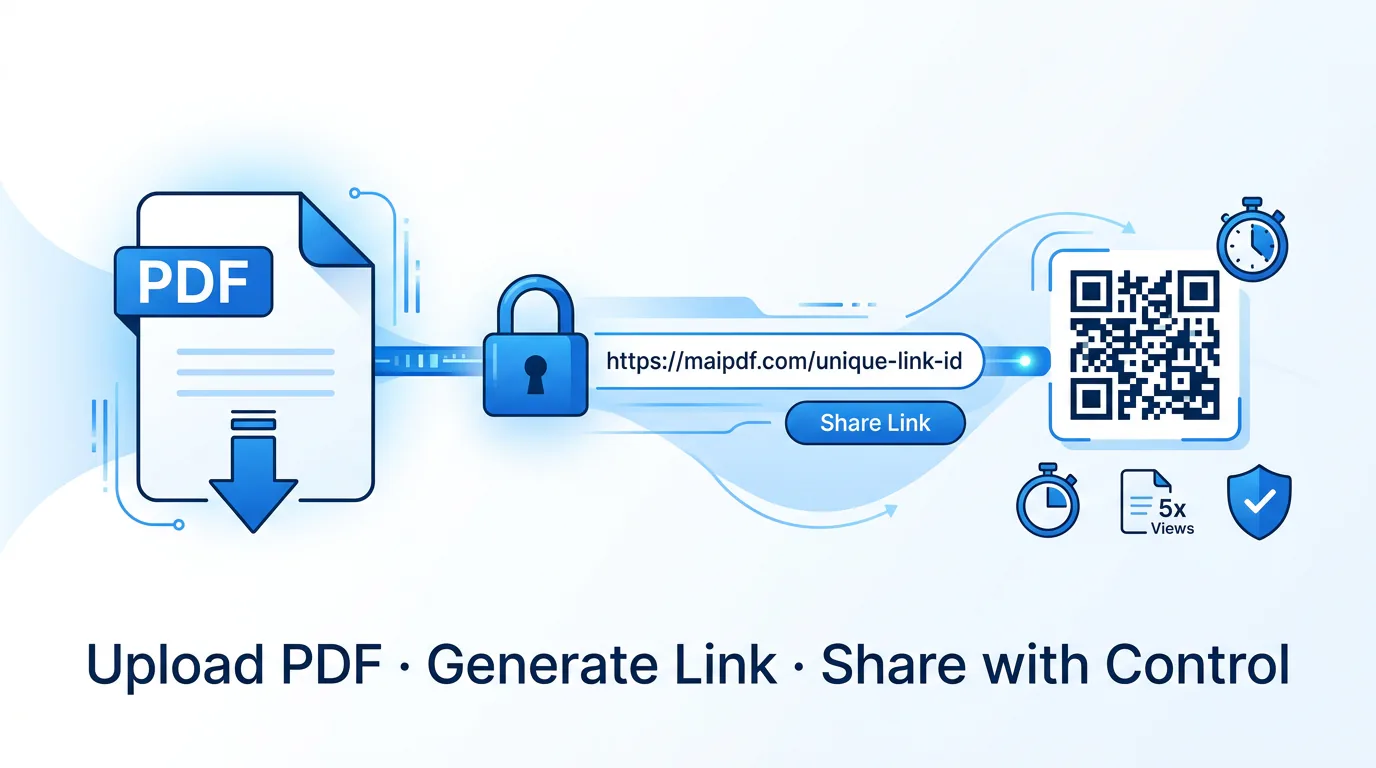
MaiPDF lets you upload once, create one online PDF page, and keep the link, QR code, access rules, and access records tied to the same share.
That makes the handoff cleaner than repeated attachments and easier to manage later when the document is already circulating across email, chat, mobile, or printed QR codes.
Add expiry, verification, or view restrictions before the share link goes out.
The same share can still be checked later through access records after readers already have the link or QR code.
Use the same share for direct links, mobile scans, printouts, or quick resending in chat.
The share does not disappear into someone else's inbox. Records still point back to the same hosted page later.
Hosted share vs. email attachment — where they differ.
An attachment works fine for a single handoff to a trusted person. Once you need visibility, control, or a multi-channel distribution, the gaps in the attachment approach become concrete problems.
| Dimension | Email attachment | MaiPDF hosted share |
|---|---|---|
| File location after sending | Scattered copies in each recipient's inbox and local device | One source file on the hosted page; all links point to the same place |
| Updating the document | Must re-send a new attachment to every recipient individually | Replace the file on the hosted page; all existing links serve the updated version |
| Access control | None once the file has left your outbox | Expiry date, open limit, email verification, or view-only mode set before sharing |
| Distribution channels | Email only; QR or print formats require extra steps | Link and QR generated together from the same share result |
| Activity visibility | No signal; you cannot tell if the file was ever opened | Access records show open history; optional real-time alerts via Telegram |
| Revoking access | Impossible — copies are already on recipients' devices | Disable the link or let the expiry date cut access automatically |
| Recipient experience | Must download, open locally, manage storage | Opens directly in the browser — no download or app required |
| Watermarking | Only static watermarks baked in before sending | Dynamic watermarks can be added to identify the specific viewer's session |
The attachment approach is familiar and works for many cases — but the control gap compounds whenever the same document needs to reach more people or stay useful over time.
Upload once, publish once, reuse the same share.
The flow stays simple: upload the file, choose the rules, publish the hosted page, and keep one reading code for later record checks.
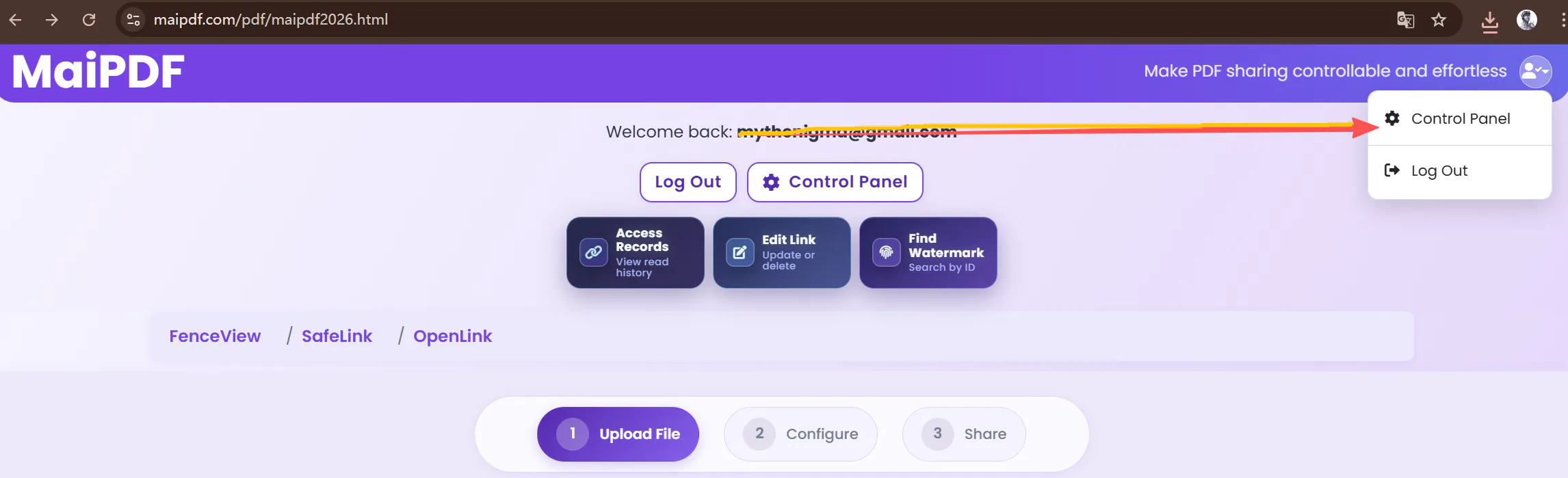
Upload the PDF
Start with the document you want people to open from one online page. MaiPDF accepts any standard PDF.
- No account required to upload
- File stays on the hosted page, not in inboxes
Set the sharing rules
Add access controls before publishing the link. This is the moment to lock in expiry, limits, or verification.
- Open count limit, expiry date, or both
- Email verification gate before access
Generate the share
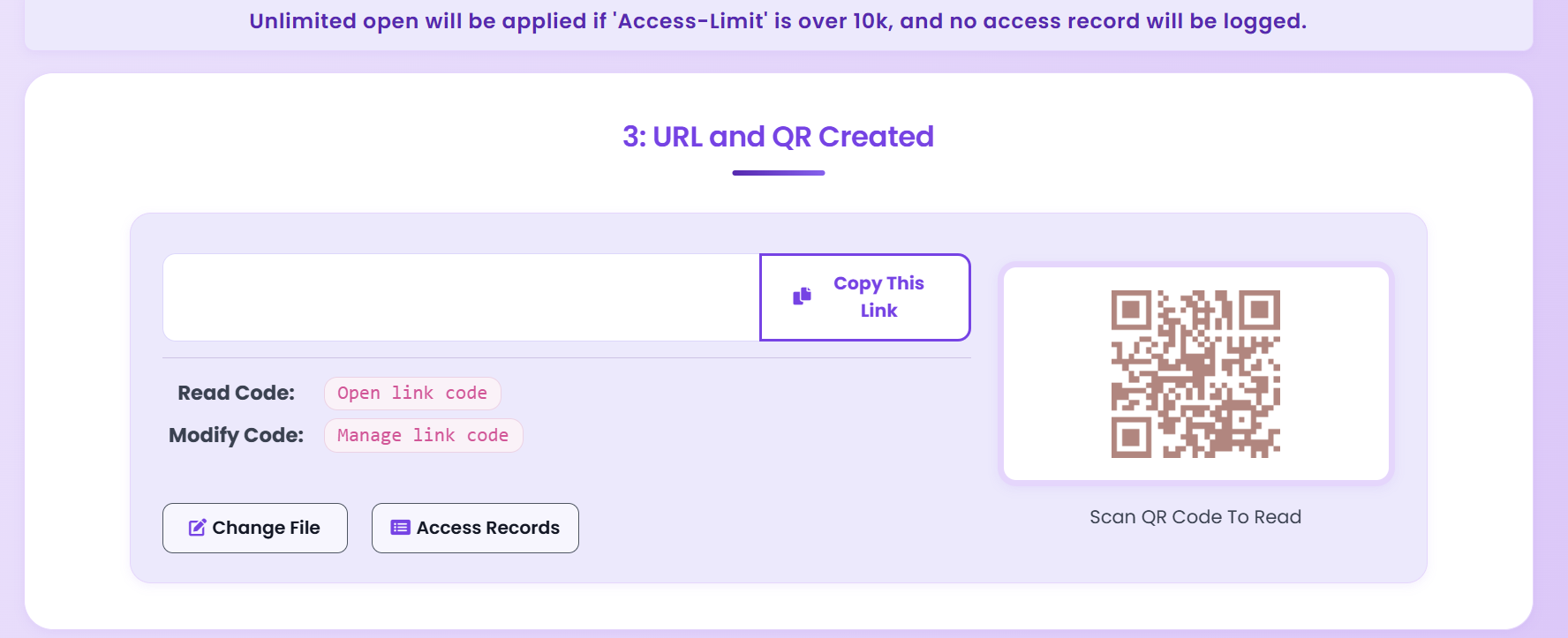
MaiPDF creates the hosted page together with a shareable link and QR output — both from the same result screen.
- Link and QR ready immediately
- Reading code saved for later record access
Review access later
The same share can still be checked through access records after readers have already opened it.
- Open history tied to the same hosted page
- Adjust rules mid-life if distribution changes
Why this is different from an attachment
- The file stays behind a hosted viewer page instead of becoming countless loose copies.
- The same share can work in both URL and QR-based handoff situations.
- Rules are attached before launch instead of being improvised after the file is already out.
- Records remain reachable later from the same share flow.
- Updating the document after sending is possible without re-distributing the link.
Every lever available on the hosted share.
These controls are set before publishing but can be adjusted later as long as you have the reading code tied to the share.
Which controls work together?
All six controls are combinable. A single share can carry an expiry date, an open limit, email verification, and dynamic watermarking simultaneously. Adding more controls does not change the distribution flow — the reader still just opens a browser link.
Can rules be changed after sharing?
Yes. As long as you keep the reading code you can return to the share settings page to extend the expiry, raise the open limit, or toggle verification on and off. The link and QR code distributed to readers remain unchanged.
What if the file itself needs updating?
Replace the underlying file on the hosted page without touching the share URL. Everyone who still has the original link gets the new version the next time they open it — no re-distribution required.
When online PDF sharing solves a real problem.
These are the situations where sending one hosted PDF page is usually more practical than emailing another attachment.
Business proposals and price lists
Send a proposal from one hosted page. Review the access record before the follow-up call to know whether the document was opened and when. Update the pricing sheet without reissuing the link.
Classroom materials and reading packs
Share course PDFs with expiry set to semester end. Keep one consistent link per handout instead of re-sending updated attachments every revision cycle.
Conference programs and event handouts
Embed the QR code on badges, posters, or slide backgrounds so attendees open the same online PDF from their phones without needing the organiser to print anything extra.
Confidential reports and internal documents
Gate access with email verification so the record includes who read the report. Add an expiry once the review window closes. Combine with dynamic watermarking for board packs or auditor-facing materials.
Lead magnets and gated content
Set an open cap to create a limited-access perception for an exclusive guide. The email verification gate doubles as a lightweight lead-capture mechanism tied to the record trail.
Contracts, SOPs, and instruction manuals
Distribute a procedure or policy document from a single hosted page. When the process changes, replace the file without breaking the QR code printed on physical signage or team wikis.
Getting the most from a hosted PDF share.
These practices apply regardless of document type and help avoid the most common problems that come up after a share is already in circulation.
Save the reading code immediately
The reading code is your only way back into the share settings and records. Copy it right after the upload completes — before you send the link to anyone. There is no recovery path if it is lost.
Set an expiry even when you are not sure you need one
An overly long expiry is easy to extend later. A share that remains live forever with no access checks is much harder to clean up once the document is out of date and the reading code is buried in old notes.
Use email verification for anything that should not be forwarded freely
Verification does not stop a recipient from sharing the link, but it does mean each additional reader has to confirm an address before opening — and that address goes into the access record.
Add dynamic watermarking when forward-tracking matters
If a leaked copy later surfaces, a session watermark lets you match it back to the viewer's session rather than just knowing the document was opened. Set it before the share goes out, not after.
Pair with Telegram alerts for time-sensitive documents
Access records are ideal for retrospective review but they are passive. Real-time alerts let you act while the reader may still be in the document — useful for proposals, invoices, or anything where timing the follow-up matters.
Use one share per distinct audience, not one share for everyone
Separate shares for separate audiences — e.g. one per sales region or one per event — mean access records are already segmented without having to cross-reference external lists. Combining audiences on one link makes records harder to read later.
Replace the file rather than creating a new share after a revision
Creating a new share for each document revision multiplies the number of reading codes to track and breaks QR codes already printed or embedded in other materials. Replace the underlying file on the existing hosted page instead.
Test the share from a different device before distributing widely
Open the link and QR code on a device that has never accessed the share before. Verifies that the access rules behave as expected and that the PDF renders correctly in a clean browser session — before the distribution is irreversible.
Common questions before sharing the first PDF.
These are the questions people usually ask when deciding between a normal attachment and one hosted PDF page.
Is this better than an email attachment?
Does the reader need to install anything?
Can I use both a link and a QR code for the same PDF?
Can I control access before sending?
Can I set a limit on how many times the PDF can be opened?
Can I update the PDF without changing the link I already shared?
What if I need to review activity later?
Can I prevent readers from downloading or printing the PDF?
What happens to the share after the expiry date passes?
What if I also want instant notifications?
Put the PDF on one controlled share.
Upload the file, attach the rules you need, and send one hosted PDF page instead of scattering copies across email threads and chat windows.