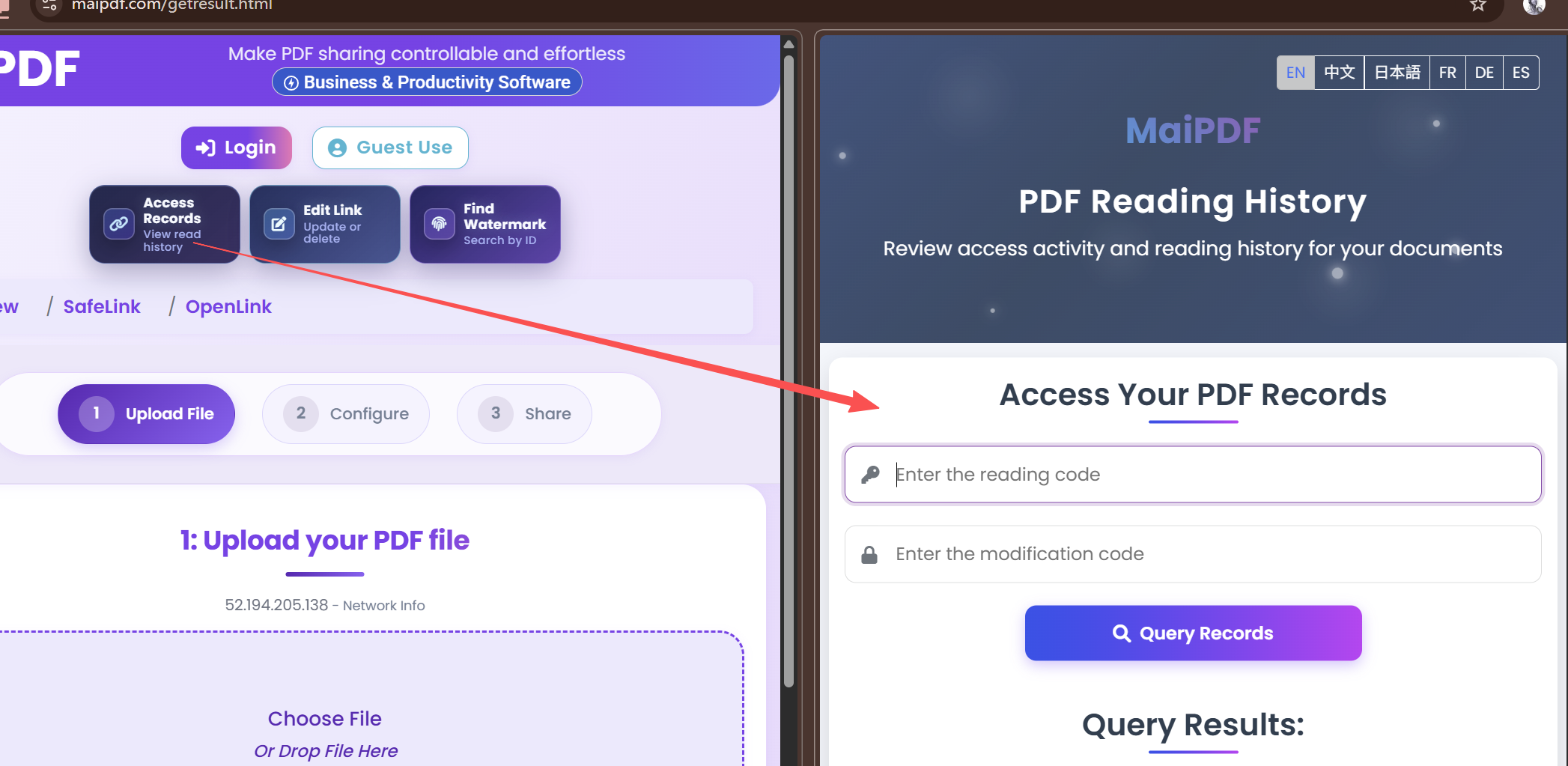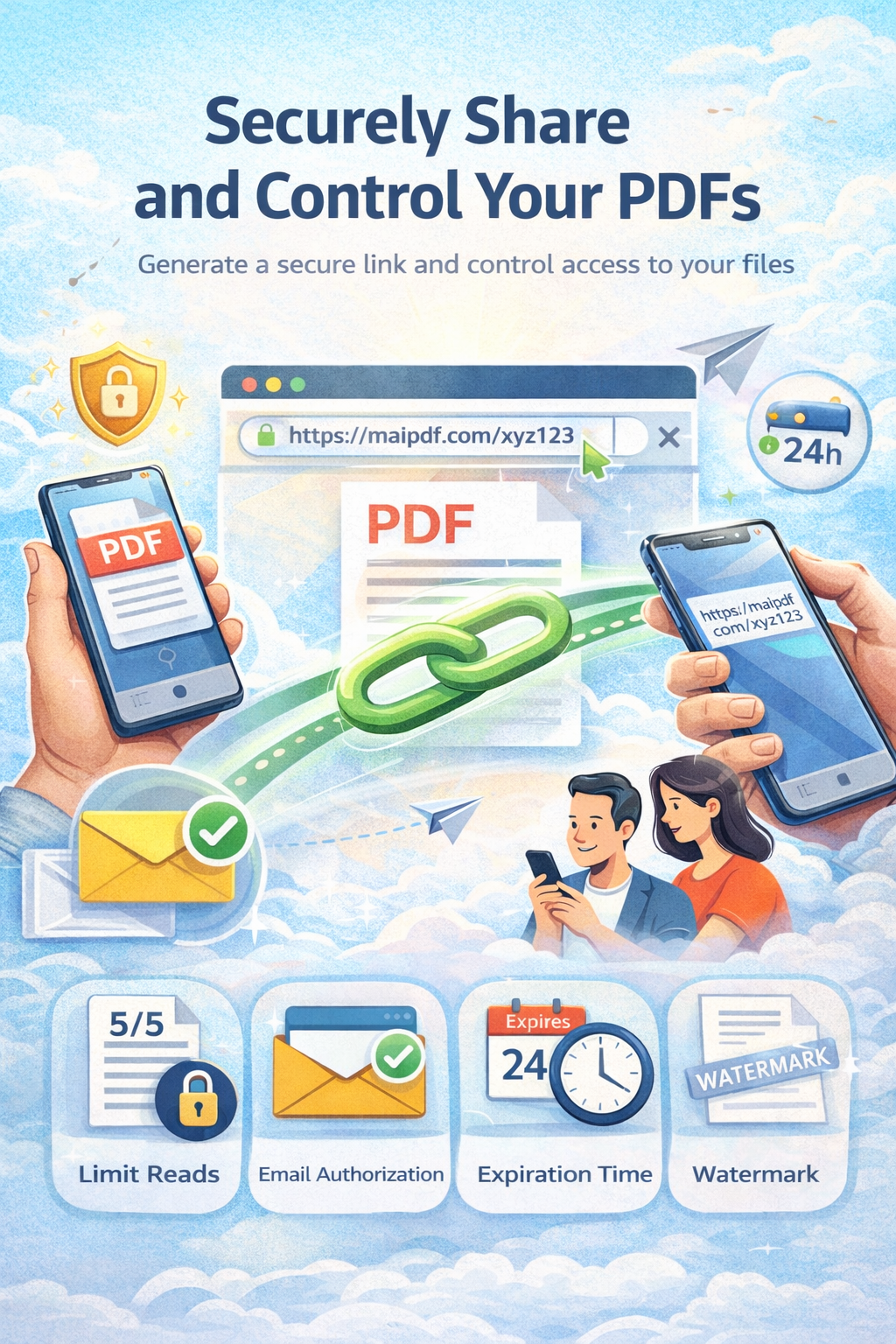
Two Main Routes

PDFs use MaiPDF. Images use Maiimg.

If it is a PDF, use MaiPDF. If it is a batch of images, use Maiimg.

MaiPDF Controlled PDF links, QR, records, and reading codes.
Maiimg One gallery link or QR for image batches.
After sending Use records and the control center later.
If the file must travel Use Offline DRM instead.
01. Public Workflow

MaiPDF workflow

For PDFs.

Step 1

Upload the PDF

Create the share record.

Step 2

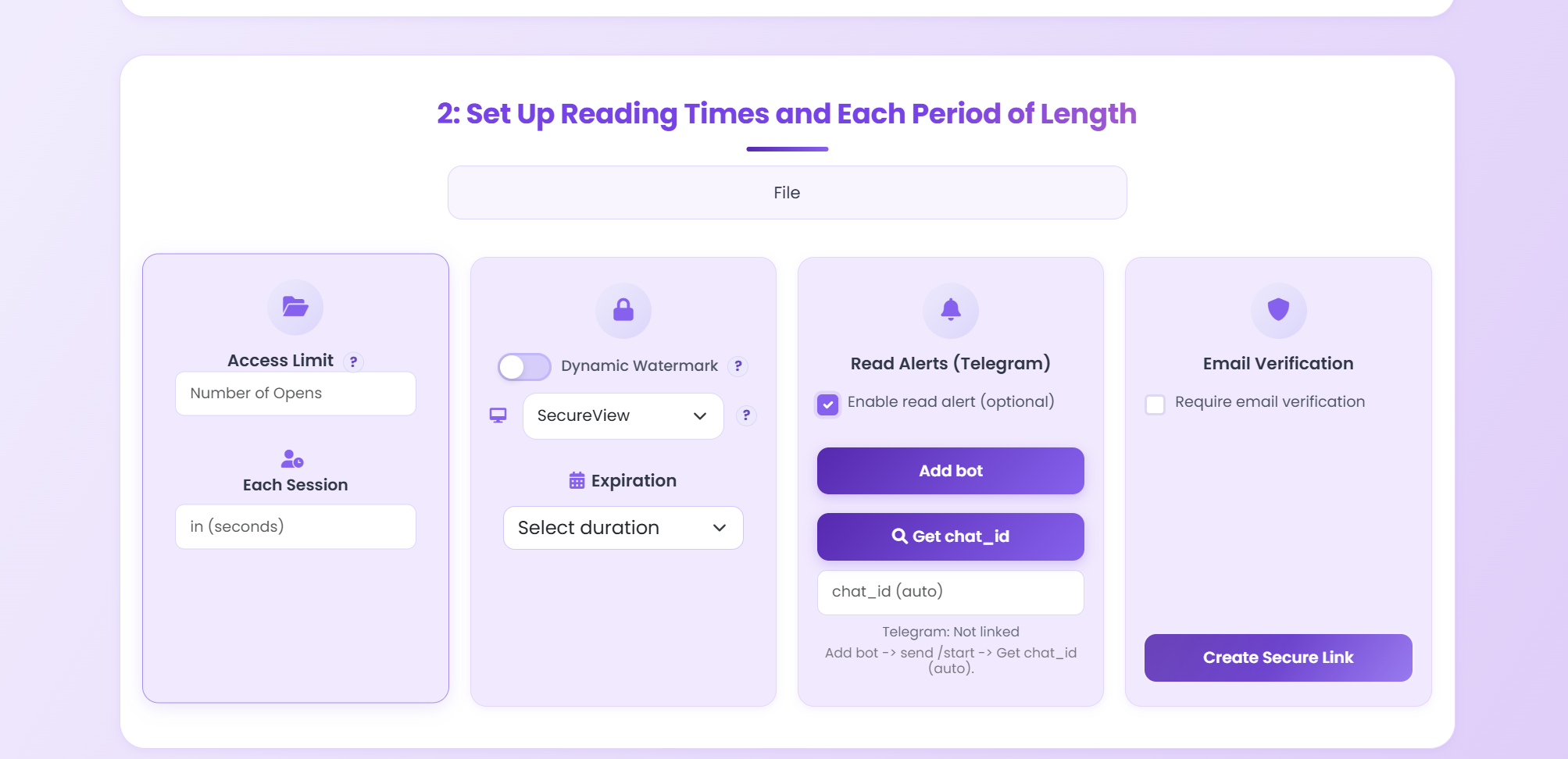
Configure access

Set limits, expiration, watermark, view mode, verification, or alerts.

Step 3

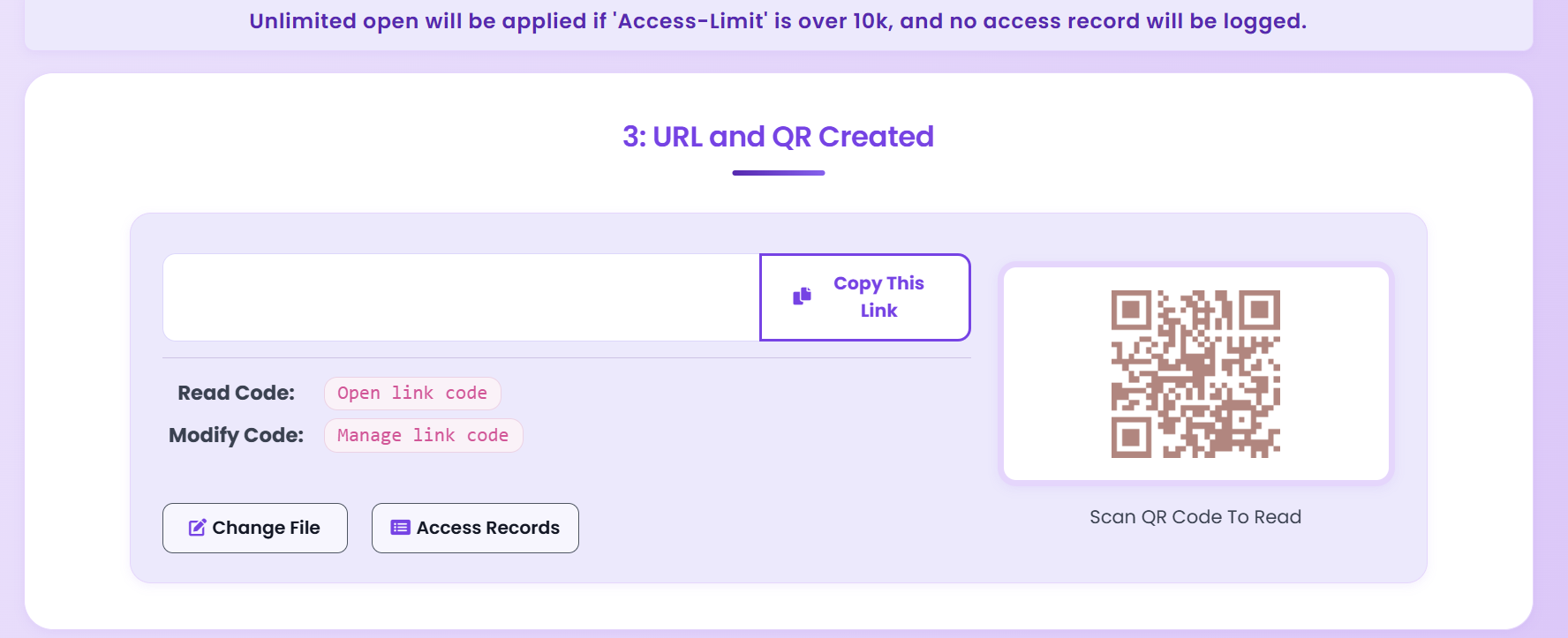
Send the link or QR

Send one controlled path instead of a loose file.

Step 4

Operate it later

Use records or the control center later.

02. Feature Surface

Main controls

The controls people actually use.

Access Limit

Limit total opens

Close the path after a set number of reads.

Each Session

Limit session length

Time-box each visit.

View Modes

SecureView or FenceView

Default control or extra screenshot friction.

Expiration

Set an end date

Stop old links from floating around.

Dynamic Watermark

Show reader-linked marks

Make each session attributable.

Email Verification

Verify before opening

Gate access before the PDF appears.

Telegram Alerts

Get read alerts

Receive faster post-read signals.

QR Output

Share by QR too

Use the same flow on print and mobile.

03. Logged-In Layer

Control Center

Manage old shares after sending.

Search reading codes, check status, import settings, apply ad-free, or delete a code.
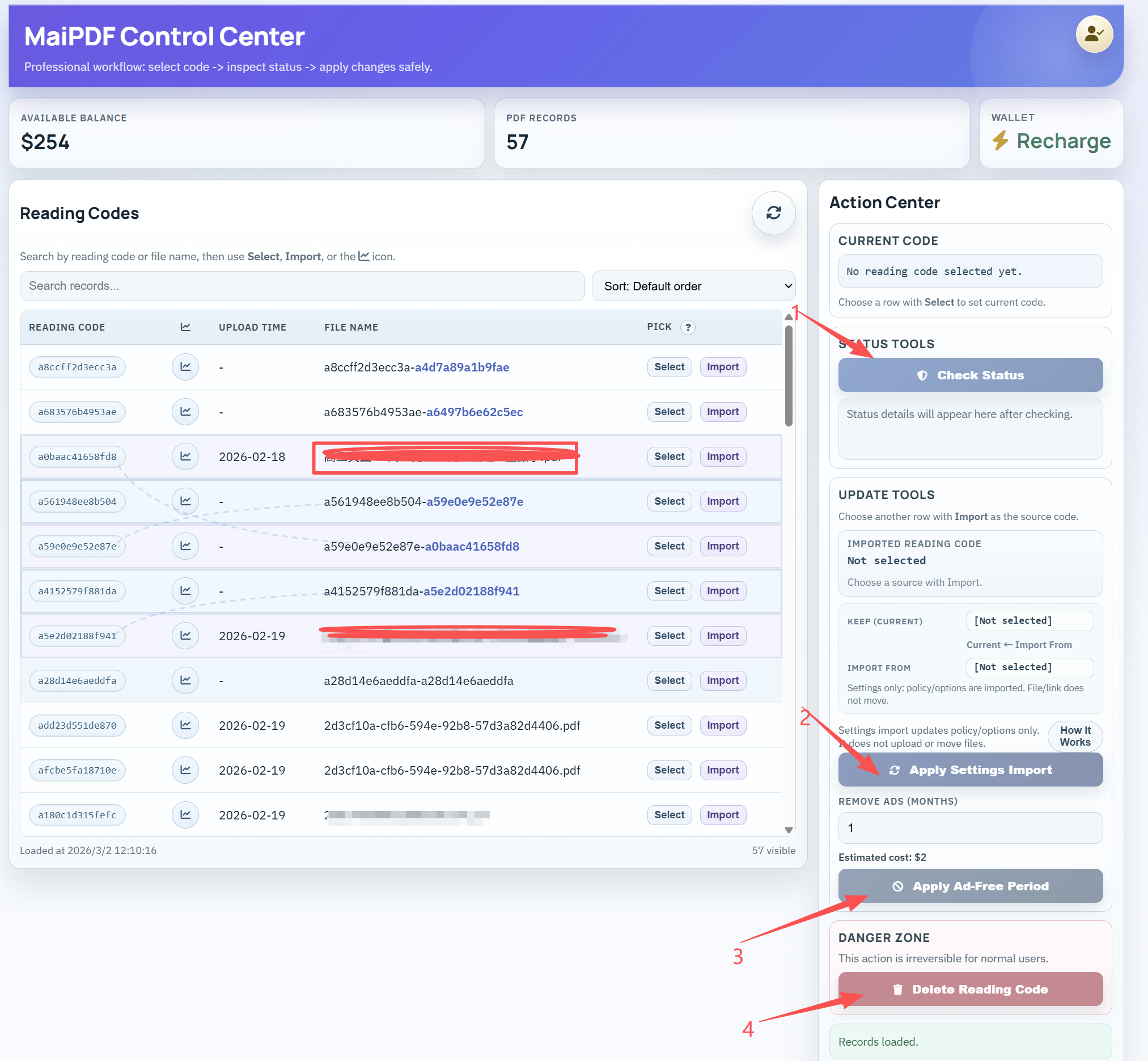
Reading Codes Find the share you want.
Status Check Check current state fast.
Settings Import Copy settings from another code.
Wallet and Ad-Free Recharge and remove ads when needed.
MaiPDF control center dashboard
Login turns old shares into manageable objects.
MaiPDF access records page

Why this matters

The link is only the first half.

  • Review access after sending.
  • Manage by reading code.
  • Keep one flow from share to records.
04. Product Surface

Other tools

Secondary tools only.

Offline Version

Offline DRM

Use this when delivery is the file itself.

Open Offline DRM
Access Record Lookup

Open records

Check what happened after sharing.

Open records
QR Utility

Generate QR directly

Use this when you only need a QR output.

Open QR tool
Privnote

Temporary notes

Temporary notes, separate from PDF sharing.

Open Privnote